Topic 3--Lesson III--Creating the Storyboard
In this part of the unit we will focus on creating our storyboard. Using Storyboard Creator, you will work on creating your story using your three big ideas from the previous lesson. The best part about this software is you don't have to draw anything! This is where you get to be creative and have some fun! StoryboardThat is an online storyboarding resource that teachers and students can use to create simple stories. The StoryboardThat website provides several templates you could choose from to create your short story. This website also provides a range of characters, scenes, and images that can be used.

Topic 3 Assignment 3

- Using Storyboard Creator create your storyboard. Play around with the software. If you find a different software that you are more comfortable in using please notify me so we can adjust in letting your classmates view your material when you are finished.
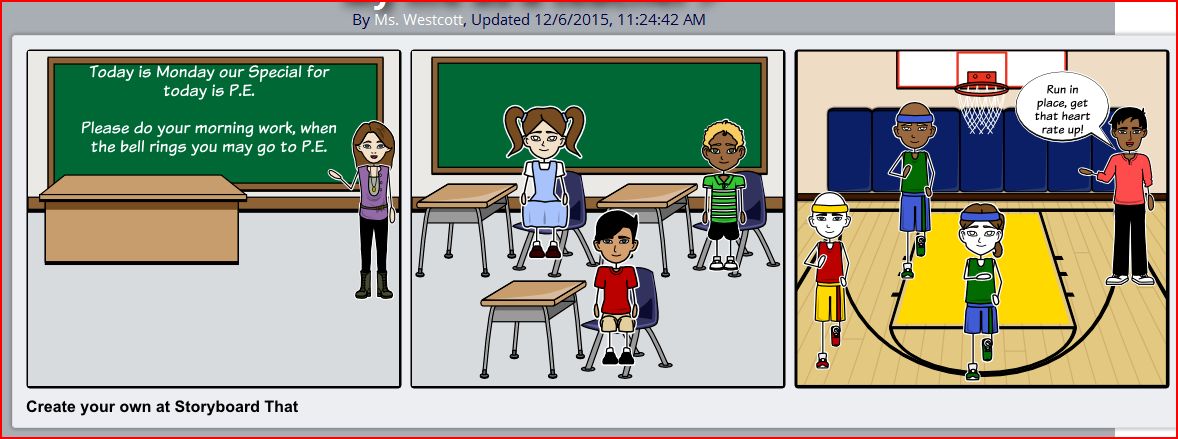
- Here is an example of a storyboard that I have created, click on picture to the right
- Post your storyboard to the [Todays Meet] discussion.
- Help your classmates with giving feedback on their ideas, what is good about their storyboard? What might they need to fix? click the "Topic 3--Creating the Storyboard" link. Then from the Topic 3 main page, click Lesson III to return to this page.

Then continue to the next lesson.
Continue to Topic 3--Lesson IV--Giving your Storyboard Pizzaz.